How to Use VeloSend: A Complete Step-by-Step Guide
From opening the app to downloading your file � a beginner-friendly walkthrough of sending and receiving files with VeloSend in under a minute.
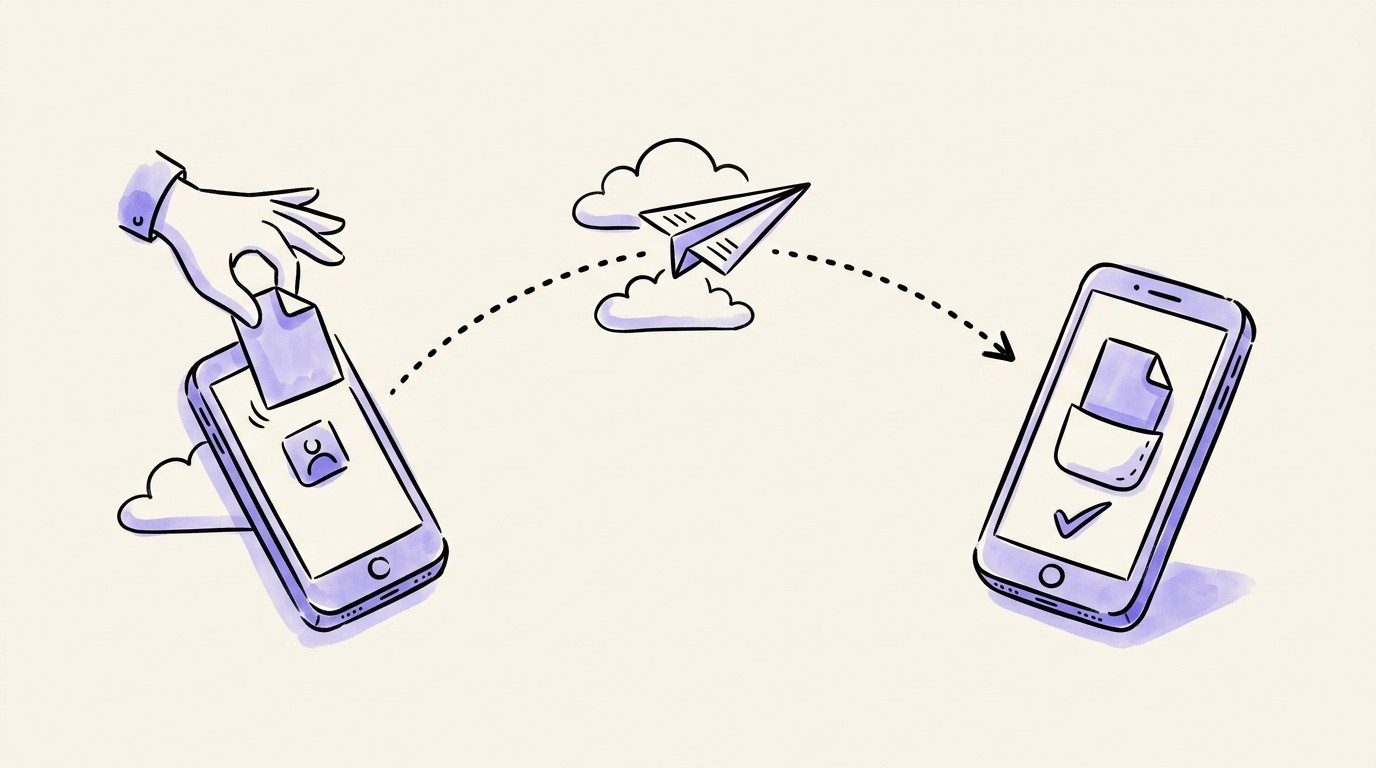
If you've never used a peer-to-peer file transfer tool before, the idea can sound more technical than it is. In practice, using VeloSend is simpler than emailing an attachment � there's no signing in, no waiting for an upload bar, and no app to download. This guide walks through exactly what to click, in order, whether you're sending a file or receiving one, written for absolute beginners.
What You Need Before You Start
A device with a modern web browser � Chrome, Edge, Safari, or Firefox all work, on a computer or a phone.
An internet connection. That's genuinely it.
No account is required to send or receive a file. An account only becomes useful if you want a higher size limit or a saved history of past transfers.
Sending a File: Step by Step
Open https://velosend.net/app in your browser.
Drag and drop your file (or files) onto the page, or click to browse and select them from your device.
VeloSend creates a private transfer room and shows you a link and a 9-digit room code.
Share either one with your recipient � paste the link in a chat app, text them the code, or read it out loud on a call.
Wait for your recipient to open the link or enter the code and accept the transfer.
Once they accept, the file streams directly to their device. You'll see a live progress bar until it's done.
That's the whole process � no confirmation emails, no "your file is ready" notification 20 minutes later.
Receiving a File: Step by Step
Open the link your sender shared, or go to https://velosend.net/app click "Join," and type in the 9-digit code.
You'll see a manifest listing exactly what's being sent � file names and sizes � before anything transfers.
Click "Accept" to start the transfer.
Watch the progress ring fill up as the file streams to your device.
When it finishes, click "Download" to save the file to your device.
Nothing is stored on VeloSend's side before or after this � the file goes straight from their device to yours.
Understanding Your Free Limits
Without creating an account, you can send up to 10GB per transfer, with as many as 20 files in one go, and your transfer room stays open for 1 hour. That's enough for the overwhelming majority of everyday sharing � videos, photo albums, project folders, zipped archives.
If you regularly send larger files, a free account raises your limit to 25GB per transfer and adds a relay-data allowance for tricky networks. Full tier details, including the unlimited Pro plan, are at https://velosend.net/pricing
What to Do When a Transfer Won't Connect
Occasionally, a transfer won't start immediately � usually because one side is on a strict corporate or public Wi-Fi network that blocks direct connections. VeloSend handles this automatically: if a direct connection can't be made, it quietly switches to a relay-assisted transfer instead. It'll be a little slower, but it still completes, and your file is never stored on the relay � it just passes through.
If a transfer still won't start, the most common fixes are: refresh the page and recreate the room, try switching from public Wi-Fi to mobile data (or vice versa), and make sure both people are on the page at the same time � VeloSend transfers happen live, so both sender and receiver need to be online together.
Getting More: Free Account vs Pro
No account: 10GB per transfer, 20 files, 1-hour rooms � perfect for occasional use.
Free account: 25GB per transfer, relay allowance for restrictive networks, transfer history.
Pro: unlimited file size, unlimited files, 24-hour rooms � built for people sending large files regularly.
Frequently Asked Questions
Do I need to install anything? No � VeloSend runs entirely in your browser tab, on any device.
Is my file uploaded to VeloSend's servers? No � files transfer directly between devices, or through an encrypted relay that never stores them.
What happens if I close the tab mid-transfer? The transfer stops. Large transfers support pause and resume, but both devices need to stay on the page for the session to continue.
Can I send to someone on a different continent? Yes � VeloSend works between any two devices with an internet connection, not just devices on the same network.
Final Tip
The single most useful habit is this: share the link, not just the code, whenever you can � most chat apps make it one tap for your recipient to open. Once you've sent one file this way, going back to email attachments or upload-and-wait services feels unnecessarily slow. Try it now at https://velosend.net/app or read more about how the underlying technology works at https://velosend.net/blog/how-does-p2p-file-transfer-work